
HOW TO CANCEL YOUR BOVEDA SUBSCRIPTION
Click here to log into your account to complete the steps to cancel your subscription(s)*.
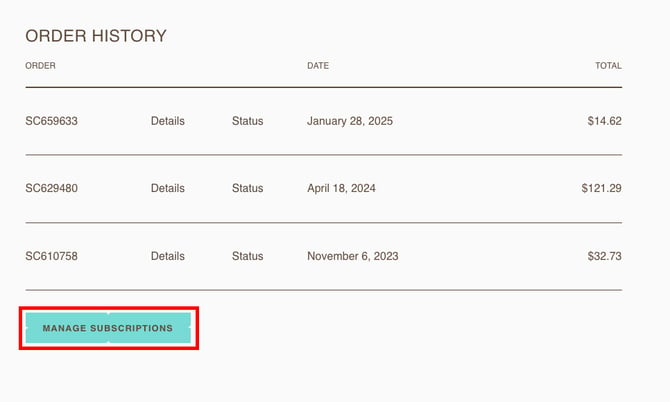
1. Select "Manage subscriptions" from the sidebar.
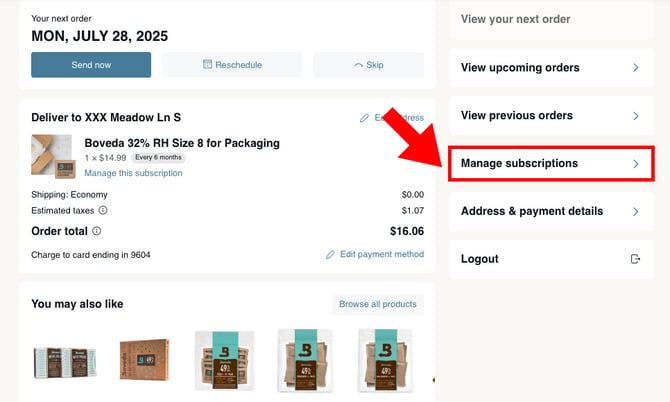
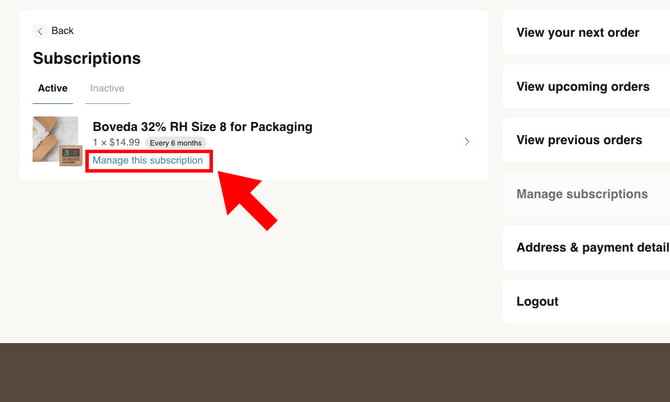
2. Each individual product you want to cancel must be individually selected and canceled by clicking "Manage this subscription" on the product.
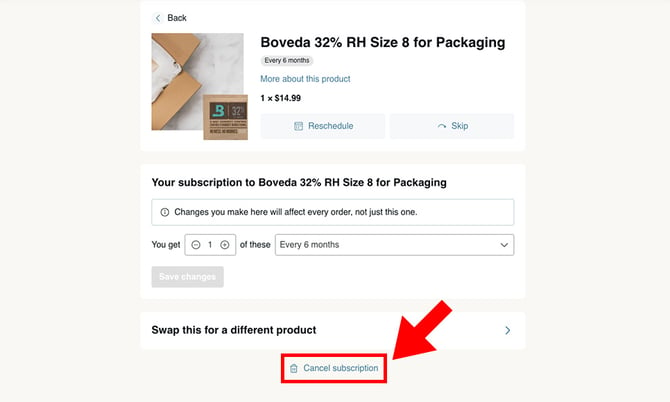
3. To cancel your subscription order for that product, scroll to the bottom of the subscriptions page and select "Cancel subscription."
*“Boveda® Official Site” provides a subscription service. By subscribing to our service, you have confirmed that you accept our Terms of Service. Your subscription will automatically renew on a recurring basis at which time your credit card will be charged automatically for the subscription products until you cancel your subscription. Taxes and shipping fees may apply. You may cancel your subscription at any time from the Subscriptions section of your account.