HOW TO RESCHEDULE, SKIP & CHANGE QUANTITY IN YOUR SUBSCRIPTION ORDER
-
Click here to log into your account.
-
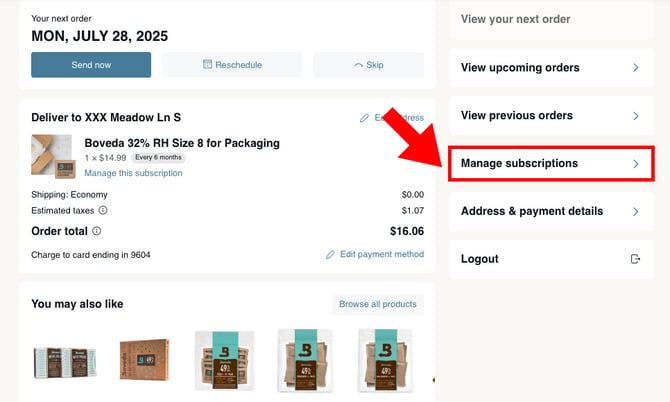
Select "Manage subscription" and then follow the steps to make changes to your Boveda subscription.
RESCHEDULE
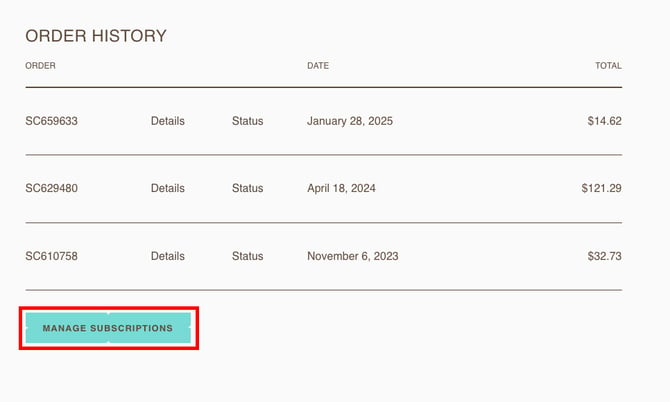
1. Select "Manage subscriptions."
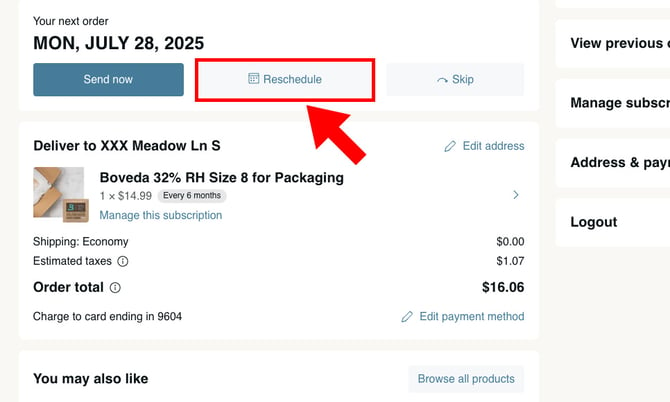
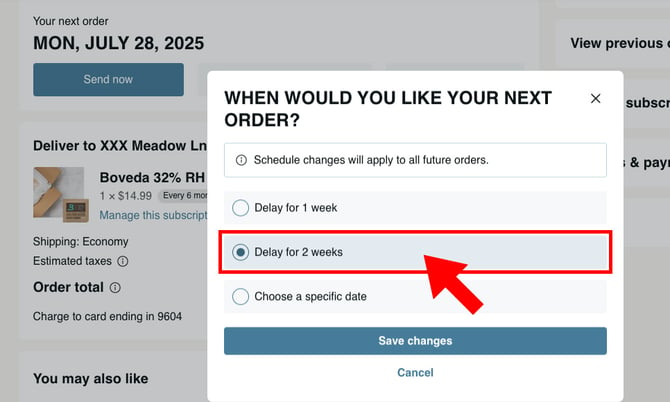
2. Next to your upcoming order, click "Reschedule."
3. Choose when you’d like your order to be refilled, and click "Save changes."
SEND NOW
1. Select "Manage subscriptions."
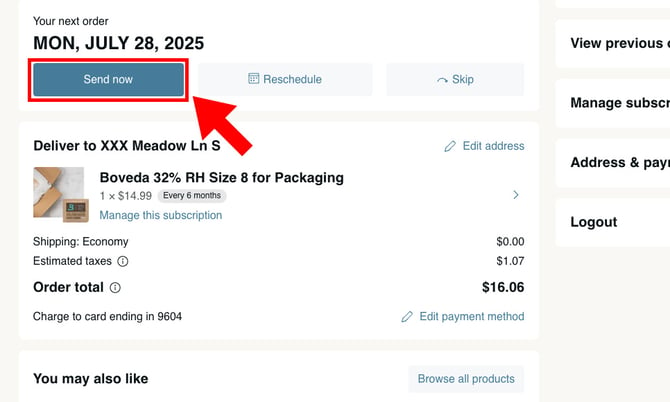
2. Click 'Send now" next to your upcoming order.
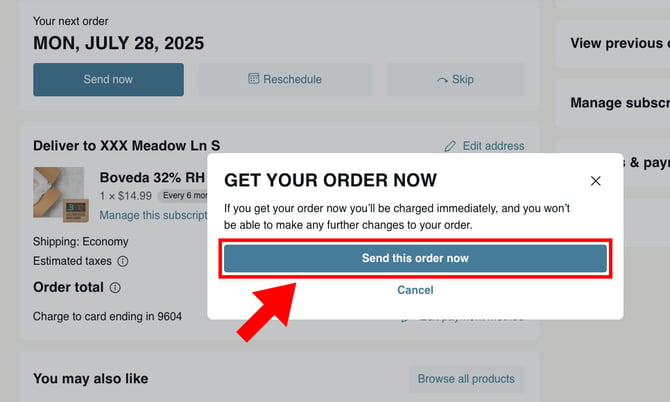
3. Click "Send this order now" to confirm.
SKIP AN ORDER
1. Select "Manage subscriptions."
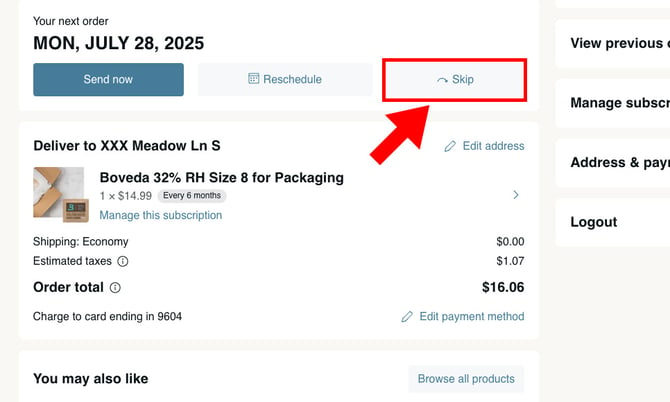
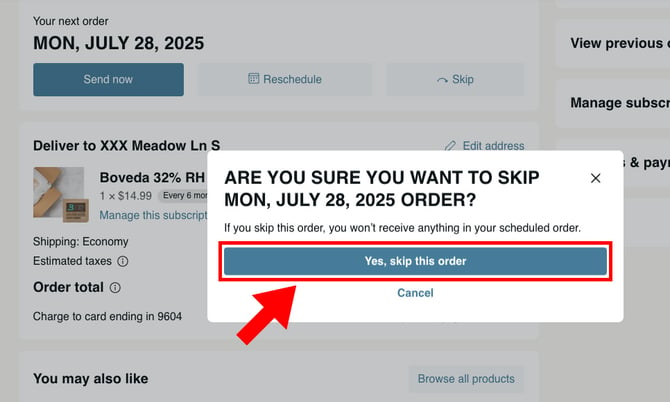
2. Click "Skip" next to any subscription products to skip.
3. Click "Yes, skip this order" to confirm.
ADJUST QUANTITY
1. Select "Manage subscriptions."
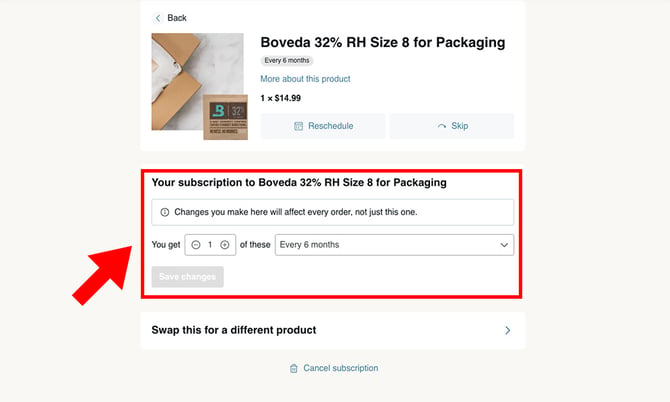
2. Click "Manage this subscription" under the product you want to update.
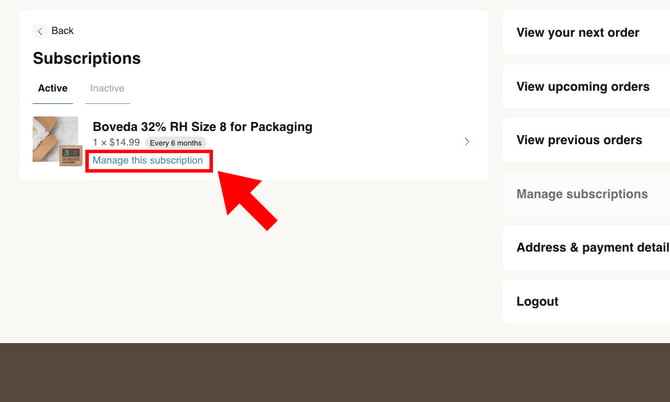
3. Change the quantity and select "Save changes."