HOW TO UPDATE ADDRESS & PAYMENT INFORMATION
Click here to log into your account.
TO UPDATE YOUR ADDRESS
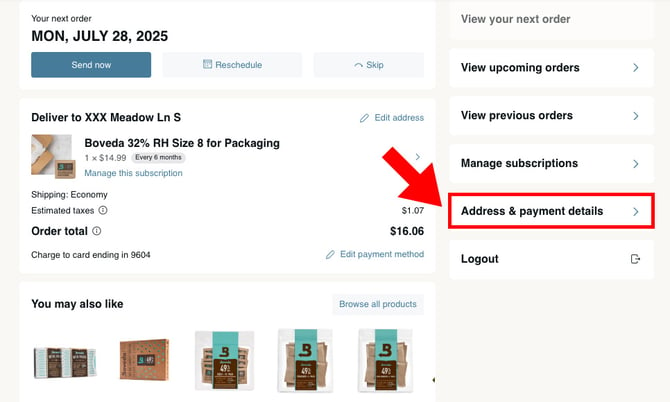
1. Select "Address & payment details" from the sidebar.
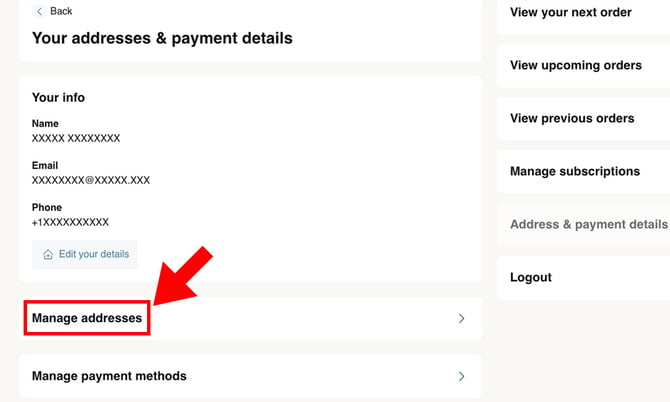
2. Select "Manage addresses."
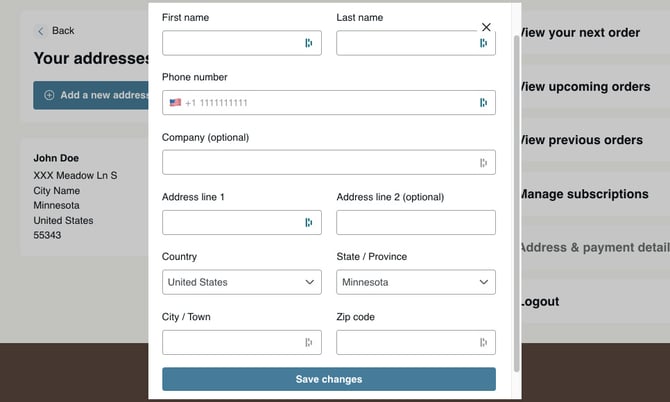
3. Fill out the form with the updated address, and select "Save changes."
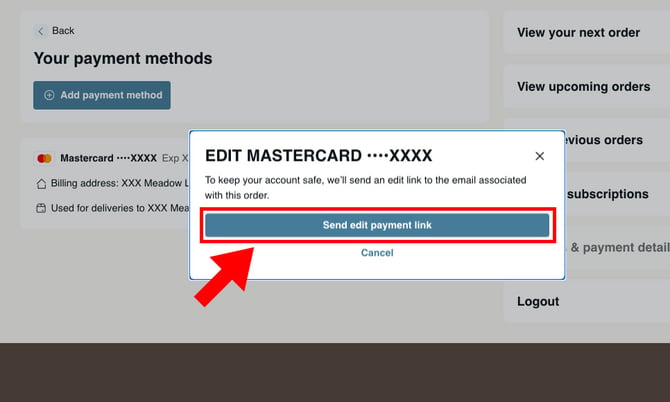
TO UPDATE YOUR PAYMENT METHOD
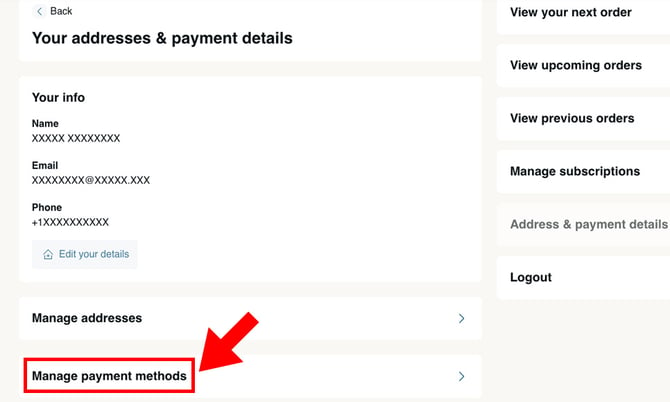
1. Select "Manage payment methods."
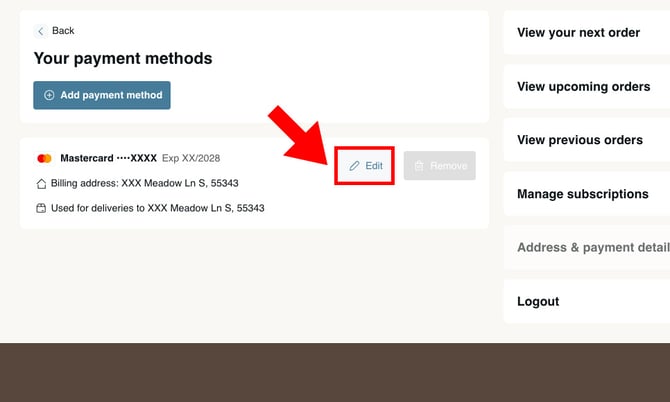
2. Next to the payment method you wish to update, select "Edit."
3. Click "Send edit payment link" to receive a secure link via email to update your payment information.